
Counter POS
Fast cashier interface with barcode scanning, cash tender calculations, and receipt printing.
PeakSoft Solutions builds custom websites, web applications, and PeakSoft ERP, our ready management engine for sales counters, serialized inventory, and accounting in Jordan.
We build custom websites, web applications, and internal tools to fit your exact business needs.
Company websites, landing pages, and product pages designed for speed, clarity, and conversion.
Tools, client portals, and internal systems, if it needs building, talk to us.
Help getting launched, improvements after go-live, and direct support when you need it.
Our ready operational product designed for retail shops, electronics counters, and wholesale trade in Jordan.
Centralize your walk-in POS sales, stock balance ledgers, serial number history, and tax invoicing into one intuitive interface.
Fast cashier interface with barcode scanning, cash tender calculations, and receipt printing.
Live stock balances with automatic updates from sales and purchases.
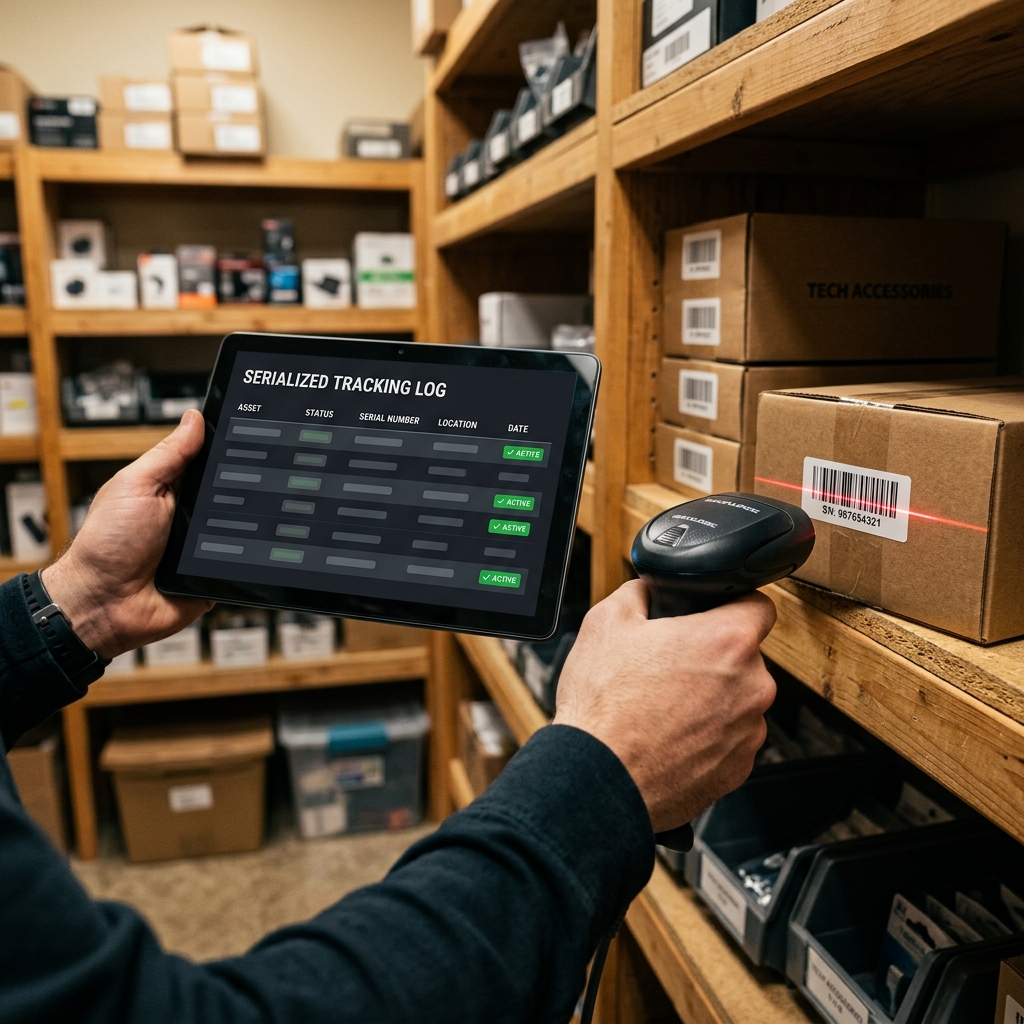
Track individual devices and high-value items by serial or IMEI across purchase and sale.
Tax invoices, JOD money rules, discounts, instant PDF creation, and return flows.
Tailored for businesses that need reliable daily cashiering and accurate stock balances.
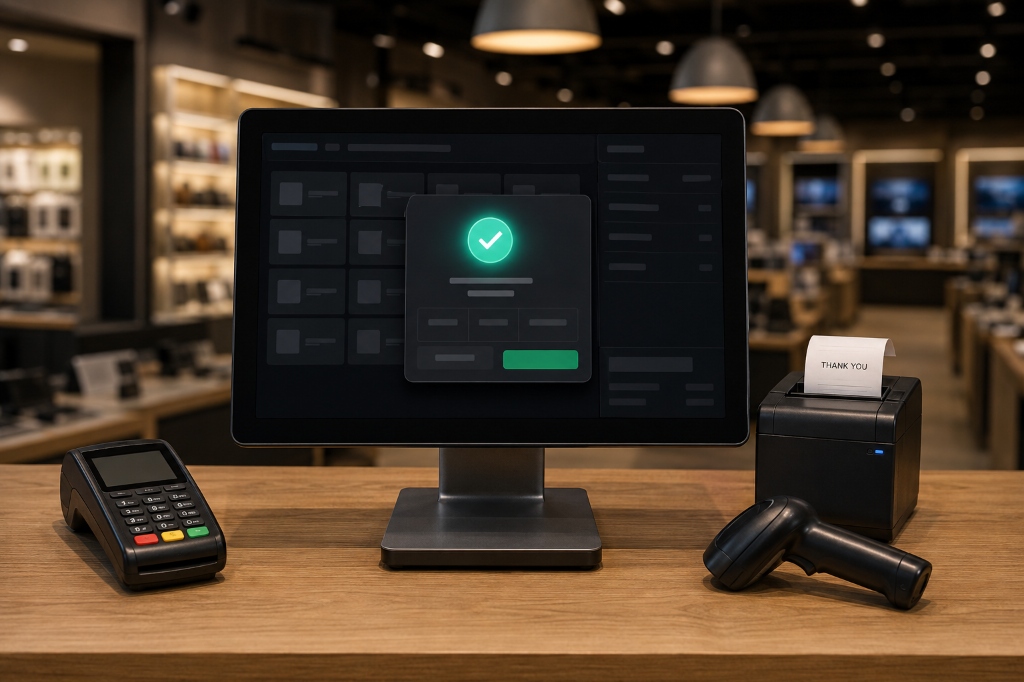
Fast checkout counters, instant barcode scanning, and simple cashier controls designed for high-traffic stores.
Track mobile phones, laptops, and other serialized items from purchase through sale.

Manage client credit balances, stock levels, supplier bills, and tax invoices in one place.
A straightforward approach for custom development or ERP rollout.
We talk through your needs, workflows, and goals to outline the exact solution.
We design the user interface, configure your system, or set up your PeakSoft ERP environment.
We configure your catalog and opening balances where needed, then test the workflows you’ll use daily.
We launch your site or system and remain directly available for updates and support.
Honest software development with local Jordanian expertise.
Custom websites, web apps, and ERP tools built to fit your exact workflows, not rigid templates.
Local workflows and bilingual staff, not a foreign tool with a translation patch.
Support and feature requests reach the product team directly.
Clear answers to common questions about PeakSoft ERP, counter setup, hardware, and deployment.
Yes. We can set up a trial shop so you test real invoices, POS, and stock with your kind of products, then decide.
Yes. USB/Bluetooth barcode scanners that type like a keyboard work seamlessly at the PeakSoft ERP counter.
At PeakSoft ERP go-live we help set up company details, products, customers, opening stock, and who still owes you. There is no automatic full Excel import yet, for small shops we enter the essentials with you; large catalogs can be a separate migration project. Old paid invoices are usually left in the old system.
Yes. You can run PeakSoft ERP on counter computers, tablets, and phones simultaneously. You can set role permissions so cashiers only see sales while owners manage costs, reports, and stock.
You deal directly with the developers who built PeakSoft ERP, not a third-party call center. If you encounter a bug or cashier issue, reach out via WhatsApp or phone, and we fix it directly.
Send us a message and we’ll get back to you directly.